SolutionsDatasetsGeo IP & network attribution
IP geolocation, ASN and ownership data
Know where an address sits and who runs it. Security teams get location, network classification, autonomous system, owning company and hostnames for every IP.
The problem
An IP address on its own is just a number
To tell legitimate traffic from suspicious infrastructure, analysts first need to know what sits behind an address. Where is it, what kind of network is it on, and which organisation runs it?
Webscout answers that for every IP, updated continually and in real time across billions of observations.
What you get
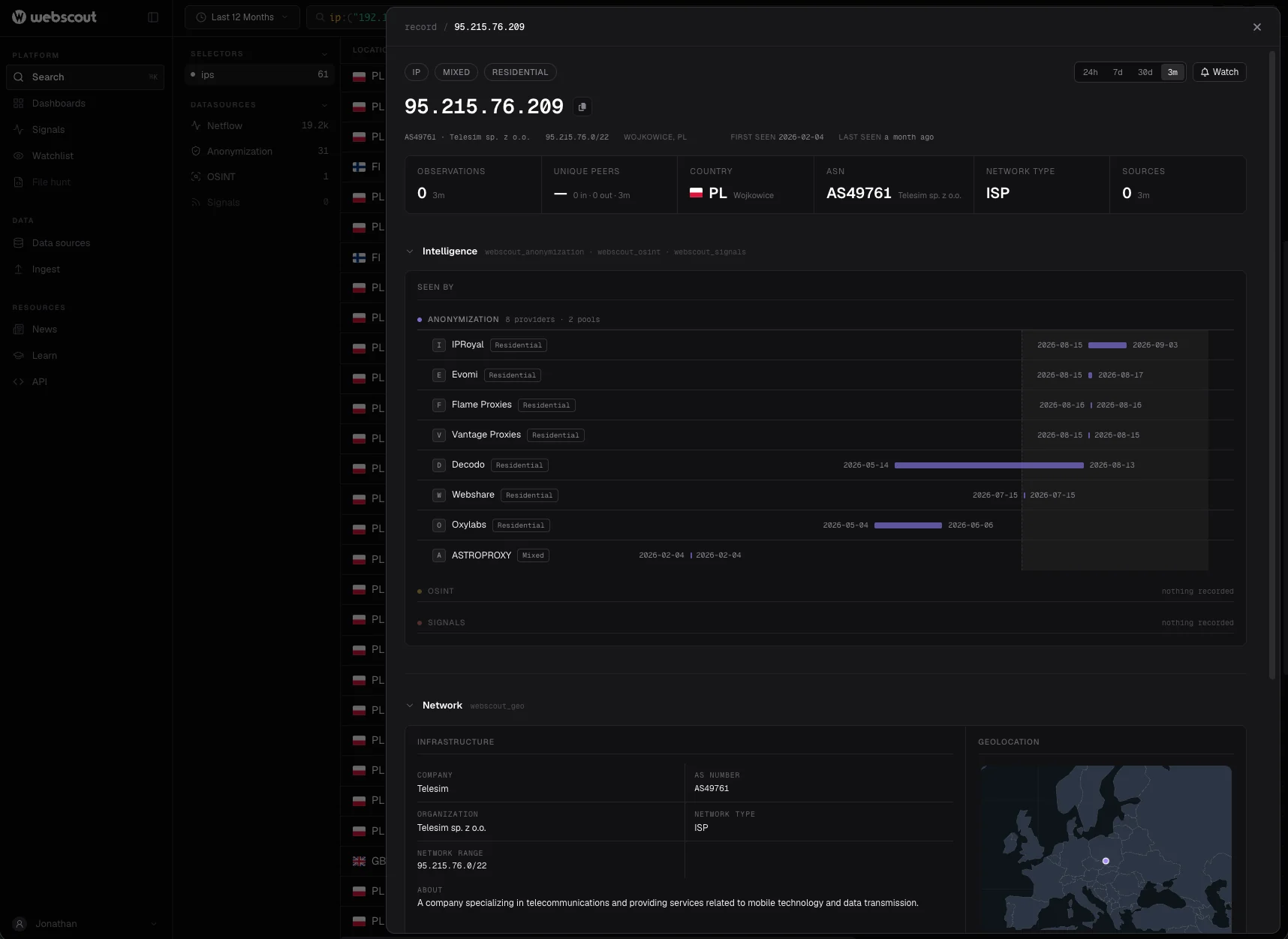
Location, network and owner in one record
01
Geolocation
Country and city for every address.
02
Network classification
The kind of network an address is on, for example cloud, with service and region where known.
03
Autonomous system
The AS number and organisation that announce the range.
04
Ownership details
The company behind the network, what it does, and the services it offers.
05
Announced range
The range the address belongs to, and whether it is private.
06
Hostnames
Hostnames associated with the address.
Use cases
Context for fraud, abuse and security decisions
For security teams, where an address sits and who runs it feeds rules, risk scores and investigations.
01
Cloud and hosting traffic
Customers rarely browse from cloud networks. The network type, service and owning company show when a visitor, a sign-up or a login comes from a server.
02
Location consistency
Compare an address’s country and city with billing, shipping and account details, and treat a mismatch as one signal among several.
03
Network and owner rules
Route and score traffic by autonomous system and owning company, so rules can treat a telecom’s customer range differently from a hosting provider’s.
04
Investigations
Who runs the network behind an address, what the company does and which hostnames point to it: the first questions of any investigation, in one lookup.
05
Log and alert enrichment
Add location, AS and owner to every event at ingest, so detections, dashboards and hunts can filter on them.
What a lookup returns
The webscout_geo enrichment
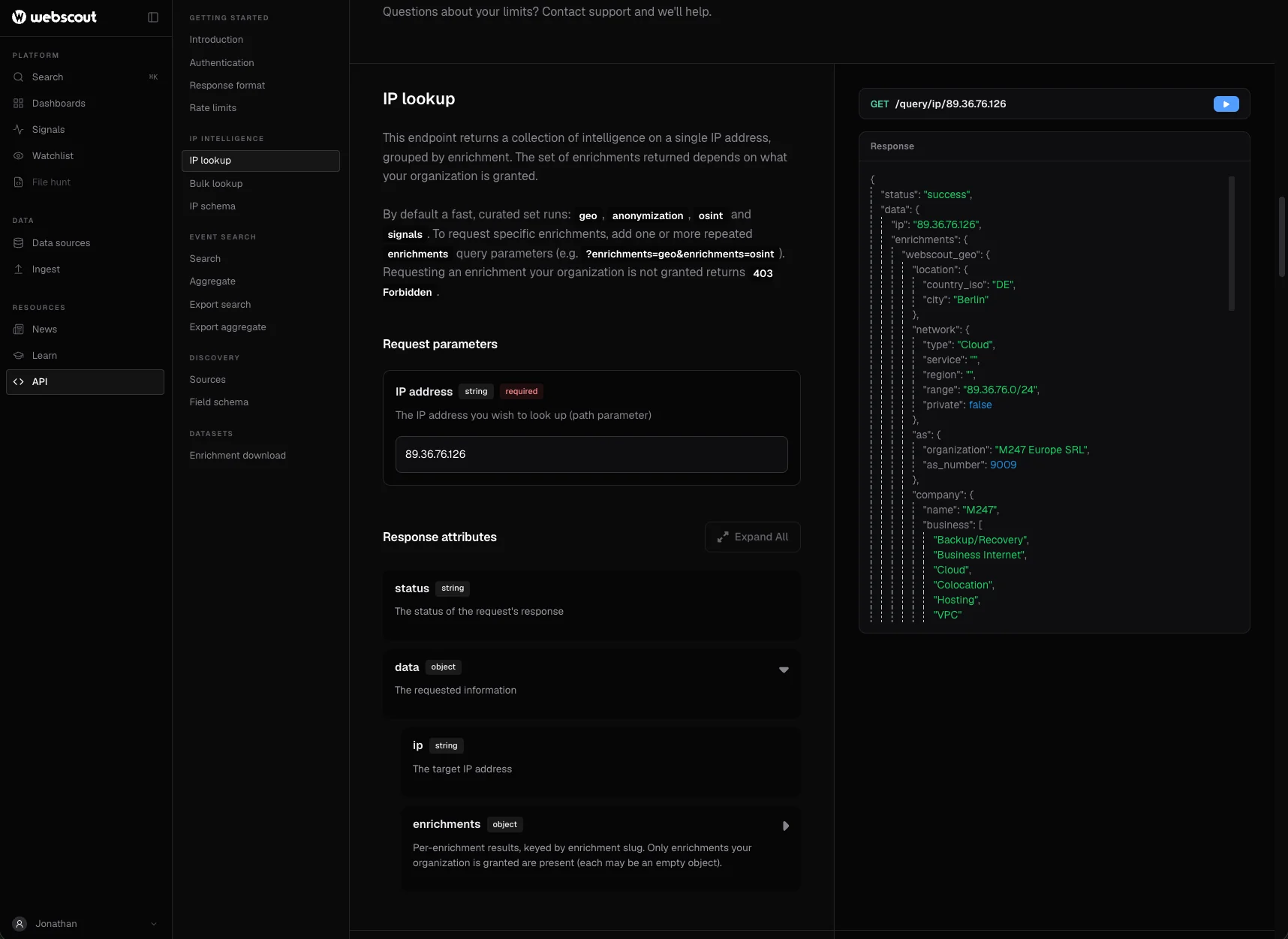
Returned by every IP lookup by default. The whole dataset is also available as a download in mmdb, jsonl, csv or parquet.
| Field | Meaning |
|---|---|
location.country_iso, location.city | Where the address is located |
network.type | Network classification, for example Cloud |
network.service, network.region | The service and region, where known |
network.range | The announced range the address belongs to |
network.private | Whether the address is private |
as.organization, as.as_number | The autonomous system |
company.name, company.business, company.description | The organisation behind the network and what it does |
hostnames | Hostnames associated with the address |
"webscout_geo": {
  "location": { "country_iso": "DE", "city": "Berlin" },
  "network": {
    "type": "Cloud",
    "range": "89.36.***.***/24",
    "private": false
  },
  "as": { "organization": "M247 Europe SRL", "as_number": 9009 },
  "company": {
    "name": "M247",
    "business": ["Cloud", "Colocation", "Hosting", "VPC"]
  },
  "hostnames": null
}curl -L -H "Authorization: Bearer {YOUR_APIKEY}" \
"https://api.webscout.io/enrichments/webscout_geo/download/mmdb" \
-o webscout_geo.mmdbIn the platform
Applied to every event and lookup
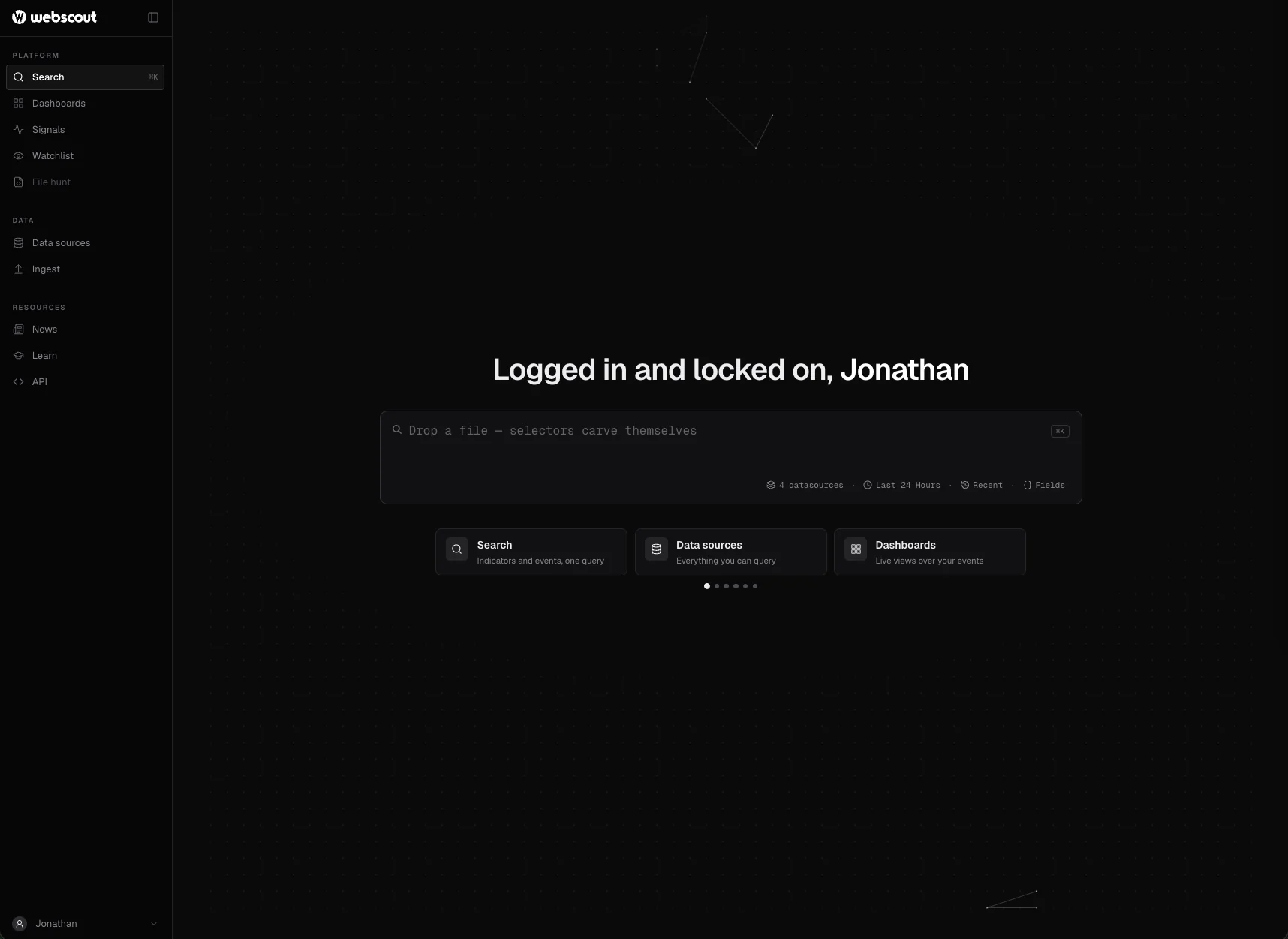
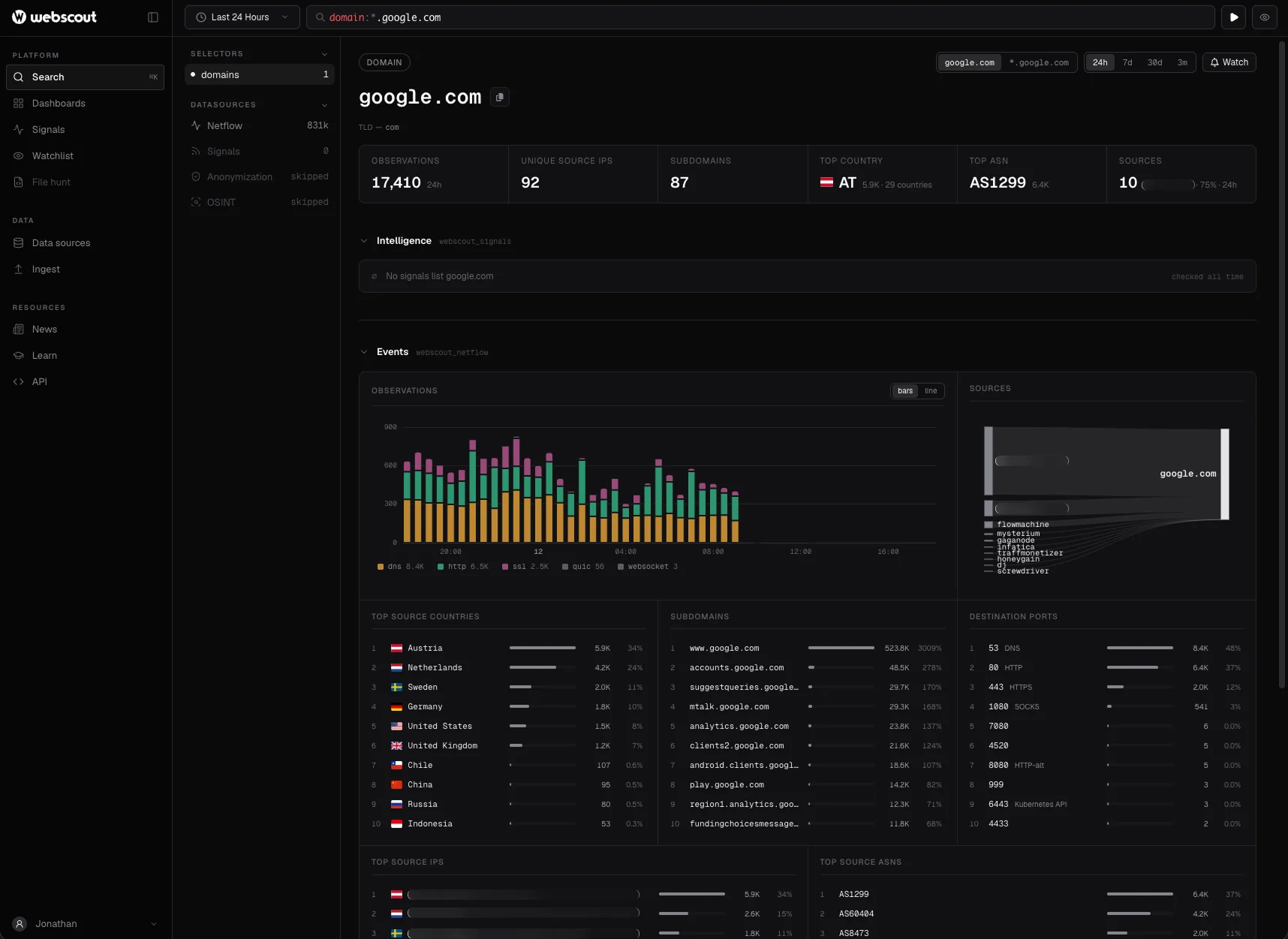
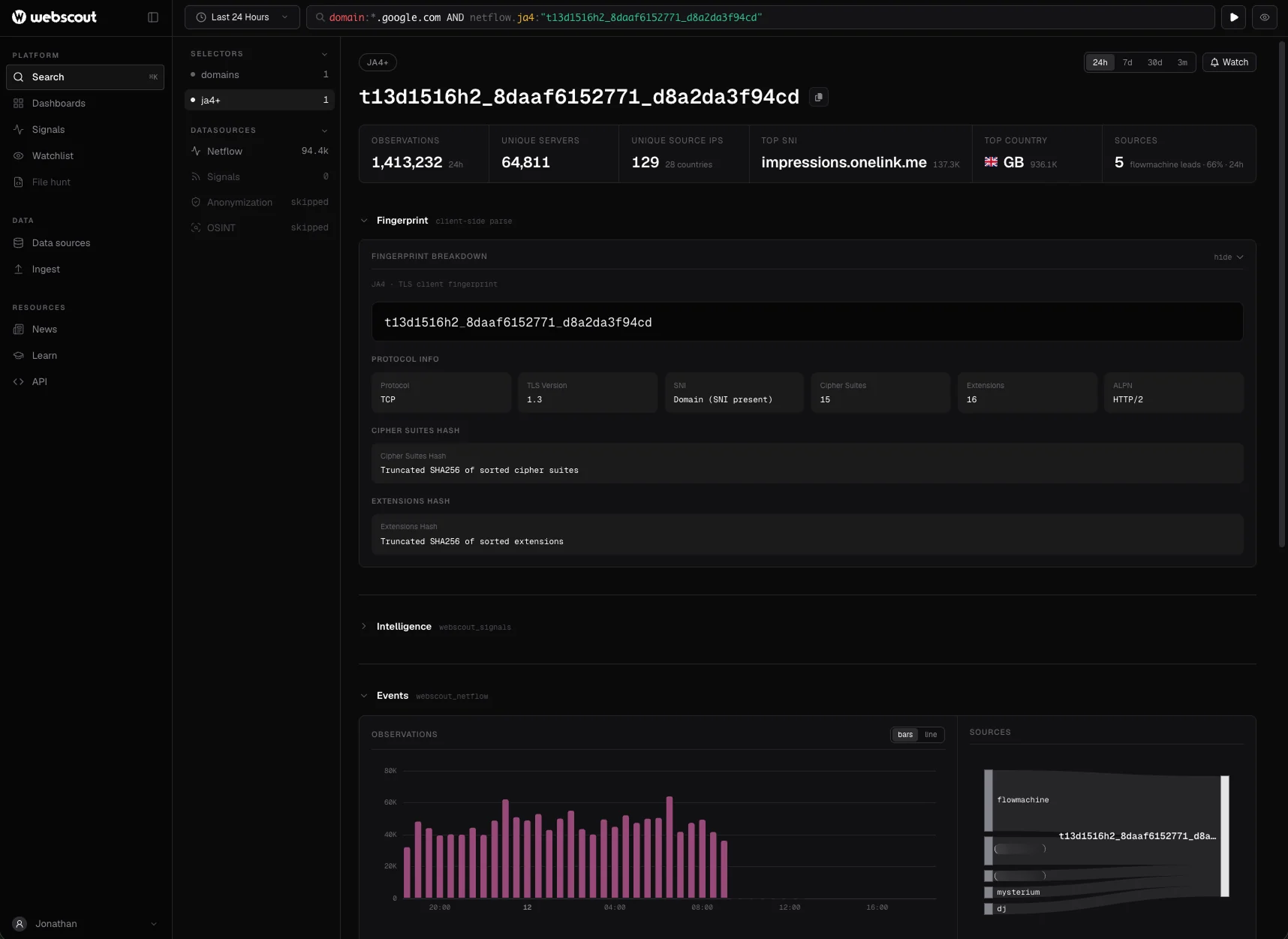
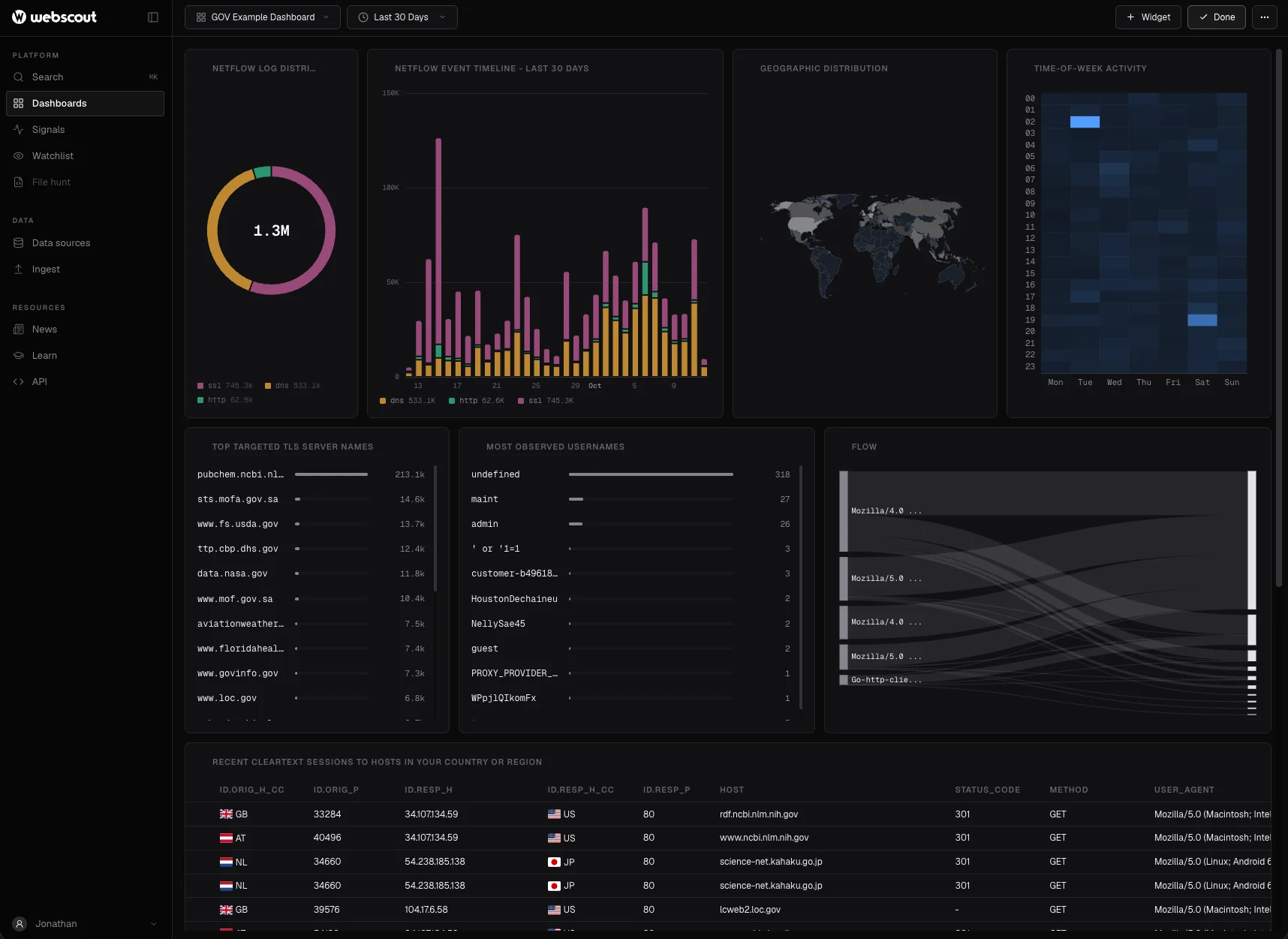
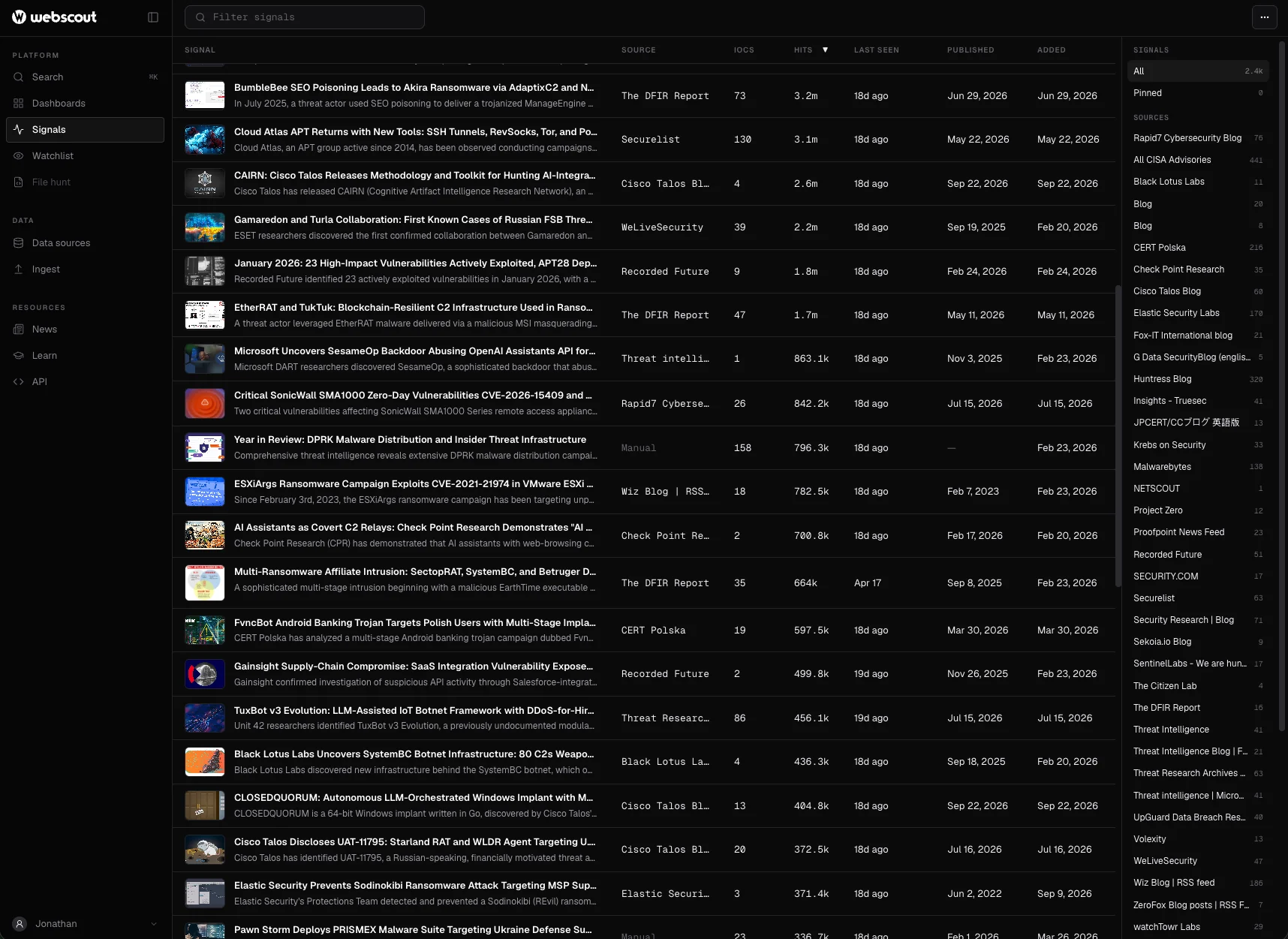
Geo and network context is applied automatically across the Webscout Observability Platform. The same data is available over the REST API (single lookups, or up to 100 addresses per request) and as a bulk feed in mmdb, jsonl, csv or parquet for your own pipelines and SIEM.
FAQ
Questions about Geo IP & network attribution
What does the Geo IP & network attribution dataset contain?
For every IP address: country and city, the kind of network it is on (for example cloud) with service and region where known, the announced range, the autonomous system number and organisation, the company behind the network and what it does, and associated hostnames.
How is it different from a plain IP geolocation database?
Location is only the start. It also tells you who runs the network and what kind of network it is, so analysts can tell legitimate traffic from suspicious infrastructure. The same lookup returns VPN, proxy and Tor attribution for the address.
Can it detect cloud and hosting IP addresses?
Yes. It classifies the kind of network an address is on, for example cloud, with the service and region where known, and names the company behind it. Traffic from servers can then be told apart from the visitors a consumer service expects.
Why does a VPN user’s location differ from where they are?
Because geolocation describes the address, and a VPN or proxy user’s address is the exit they chose, not their own connection. Pair location with VPN, proxy and Tor attribution, returned by the same lookup, before relying on it.
What is the difference between the AS organisation and the owning company?
The AS organisation announces the address range on the internet. The owning company is the organisation behind the network and what it does, which is not always the same: a range announced by one network can be used by another company.
How often is it updated?
Continually, in real time, across billions of observations.
How is it delivered?
In the Webscout Observability Platform, over the REST API (one address, or up to 100 per request) and as a bulk download in mmdb, jsonl, csv or parquet for your own pipelines and SIEM.
Webscout works exclusively with vetted partners in government, defence, intelligence and critical infrastructure.Contact info@webscout.io to learn more.